

By Hany Sallam:
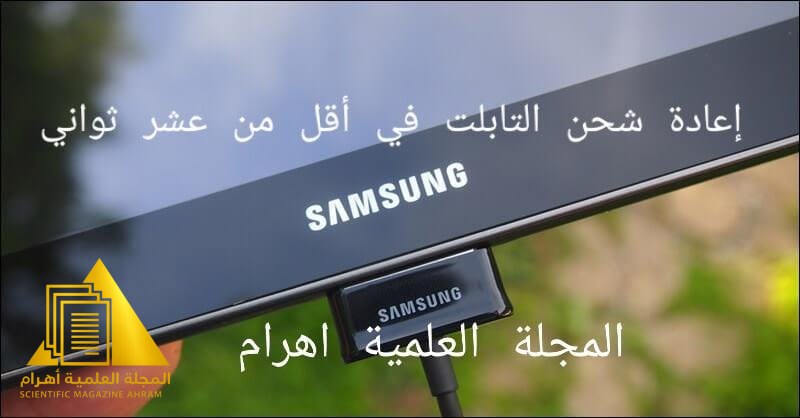
Thousands of high school students have run into a problem: their tablets refuse to charge. So how can you recharge them in less than ten seconds?
There is absolutely no need to panic; sending the device to a repair center is your last resort.
What if time is running out and the exam is approaching?
There is more than one fix you can do yourself, and with a 95% success rate you can bring your tablet back to life.
The easiest and most reliable solutions take only seconds and can be found in the video attached at the end of the article.
However, here are a few solutions:
1. The main reason is often the charger’s inability to power a completely dead battery.
Therefore, try using a 5V and 2A charger. You will find the details written on the charger.
2. If the battery is completely empty, the tablet will not respond at all when you press the power button because there is not even enough power to display the low-battery indicator.
Using the Computer to Solve the Problem
Connecting the tablet to the computer
- Connect the tablet to the computer using a USB cable.
- Leave it to charge for 15 minutes.
- Disconnect the cable from the tablet (not the computer).
- Reconnect the cable within 10 seconds of unplugging it.
- Charge the tablet for another 30 minutes.
- Press and hold the power button for 5 seconds.
- Tap the Restart option that appears on the screen.
If you do not see the Restart option, press and hold the power button for an additional 30 seconds until the tablet restarts automatically.
3. The final solution takes only 5 seconds, has been tested on many tablets, and has given quick results. You will find it in the video with a very simple explanation. The video is under 3 minutes long and contains the latest and fastest fix.
Finally, we hope for success for all high school students, and there is absolutely no need to worry.


Latest video
تابع معنا تحليل قراءة الصحف اليومية مع الكاتب الصحفي Hany Sallam عبر