
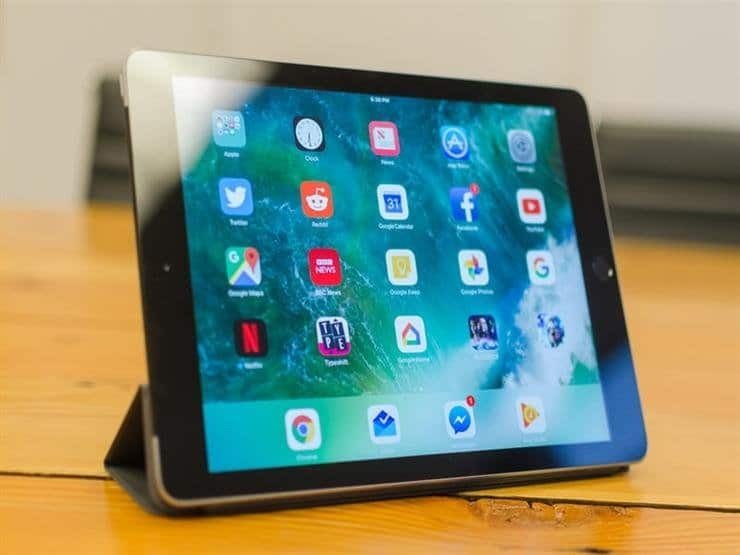

With the second-term 2023 exams fast approaching and in line with Ministry directives,
all precautions must be taken before the final exam starts the day after tomorrow.
To First- and Second-Year High School Students
First, you must ensure the time and date are set correctly.
If they do not set automatically, here are the steps.
However, there is a way to set the time according to daylight saving time.
Manual Adjustment
To set the date and time manually on the devices:
Follow these steps:
1- Restart the device and connect it to the internet.
2- Go to the Play Store and install all applications.
3- Then open Knox Manage, tap the three lines, go to About, and you will find Update; tap it.
If you see Active, tap it until the button changes to Deactive.
4- Then open Knox again from the three lines, and at the top of the menu, you will find, in a faded color,
Reload Device Command.
Good luck to everyone.


Latest video
تابع معنا تحليل قراءة الصحف اليومية مع الكاتب الصحفي Hany Sallam عبر