

A Digital Treasure in Your Drawer: How to Protect Your Hard Drives from Damage?
In our digital age, old hard drives have come to resemble memory vaults. They still hold our old family pictures, important work files, and backups we may not need today but might need tomorrow. Yet, many people make the grave mistake of leaving these drives in cluttered drawers or damp places, exposing them to the risk of permanent damage and the permanent loss of data. Preserving these devices requires an understanding of their sensitive components.
The Hidden Enemy: Humidity and Heat
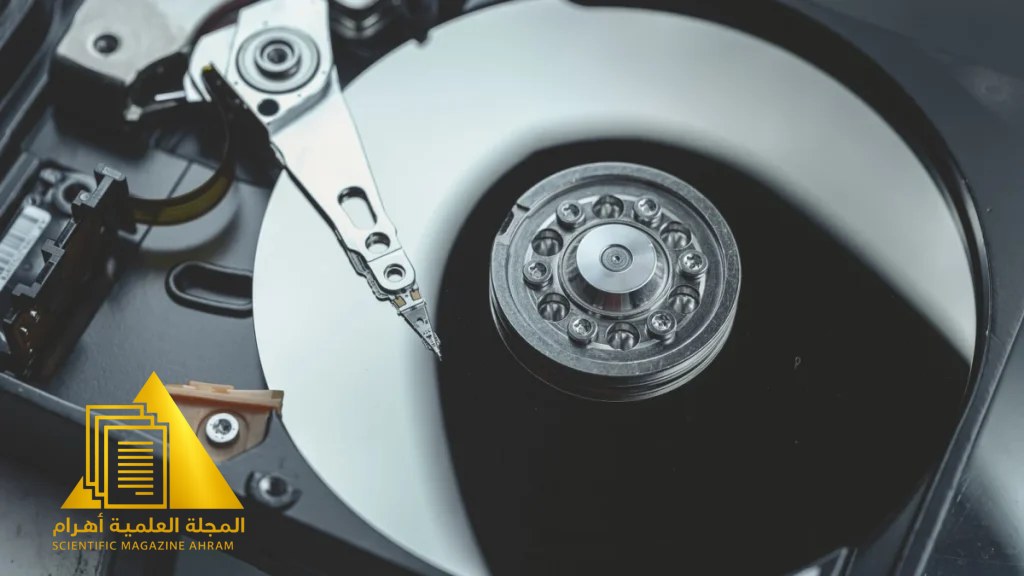
Humidity and fluctuating heat are the primary enemy of hard drives. Inside every mechanical hard drive (HDD), there are extremely delicate parts and magnetic platters sensitive to any change in the surrounding environment. Storing drives in high temperatures may lead to the drying out of the lubricants in the internal motor, while humidity may cause minor corrosion in the delicate electronic components. The golden rule here is to look for a “stable” place where the temperature is moderate and constant, away from direct sunlight or damp areas like kitchens or unventilated storage rooms.
Smart Storage Methods to Protect Your Data
Aside from environmental factors, drives must be protected from physical shocks. Hard drives are not merely plastic pieces; they are highly sensitive mechanical devices. Experts advise placing each drive in a padded anti-static bag. If you intend to store these drives for long periods, it is necessary to place them horizontally (flat) rather than vertically to ensure the stability of the internal parts.
A Golden Tip: Do Not Leave Them to Time Alone
Proper storage does not mean complete neglect. Hard drives, even when stored under ideal conditions, may suffer from a degradation of the magnetic field over many years. Therefore, make sure to run the drive at least every six months or a year. Connect it to a computer to ensure that the mechanical parts still work and the data remains readable. Performing simple periodic maintenance is the difference between recovering your memories when you need them or finding a damaged drive that does not respond to any technical attempt.
By: Hany Sallam
Source: engadget.com


Latest video
تابع معنا تحليل قراءة الصحف اليومية مع الكاتب الصحفي Hany Sallam عبر